

How to Choose Motherboard for Your PC
How to Choose a Motherboard that is perfect for your computer? It’s no easy task and sometimes a small detail can go without being spotted.
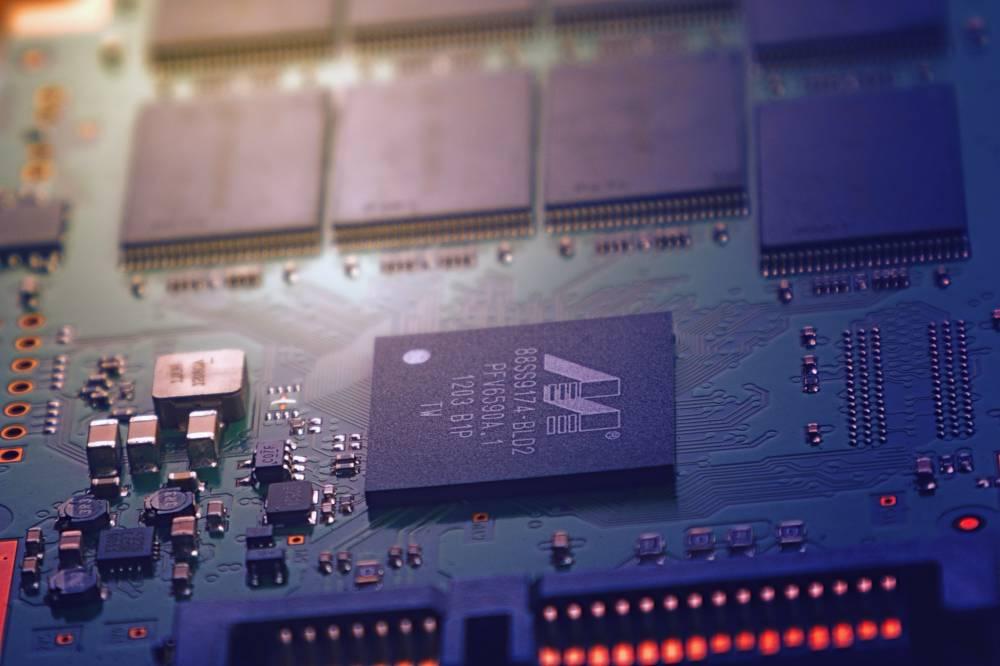
Before we start, let’s talk about what is motherboard and how it functions inside your computer. The motherboard is a printed circuit that creates a backbone, allowing a variety of components to communicate. That provides different connectors for components like CUI (central processing unit), GPU (graphics processing unit), memory, and storage.
Most computers, phones, tablets, and laptops today use motherboards to pull everything together but the ones you’ll buy yourself are typically for PC. It’s always better to choose a motherboard that can support your needs for expanding your PC later.
Platform
The first important decision is whether to choose Intel or AMD. Both offer CPUs ranging from entry-level options and low-end gaming to ultra-powerful beasts that can run the most demanding games at high FPS (frames per second).
Both companies are quick to upgrade their products so the information gets stale really quickly.
Which one is right for you depends on your needs – for example, if you’re worried about apps that can use multiple processor cores (in which case AMD Ryzen might be good for you) or games that benefit from fast single-core performance (Intel Core).
Sockets and Chipsets
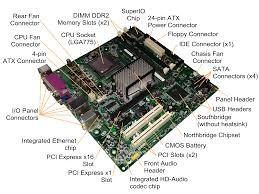
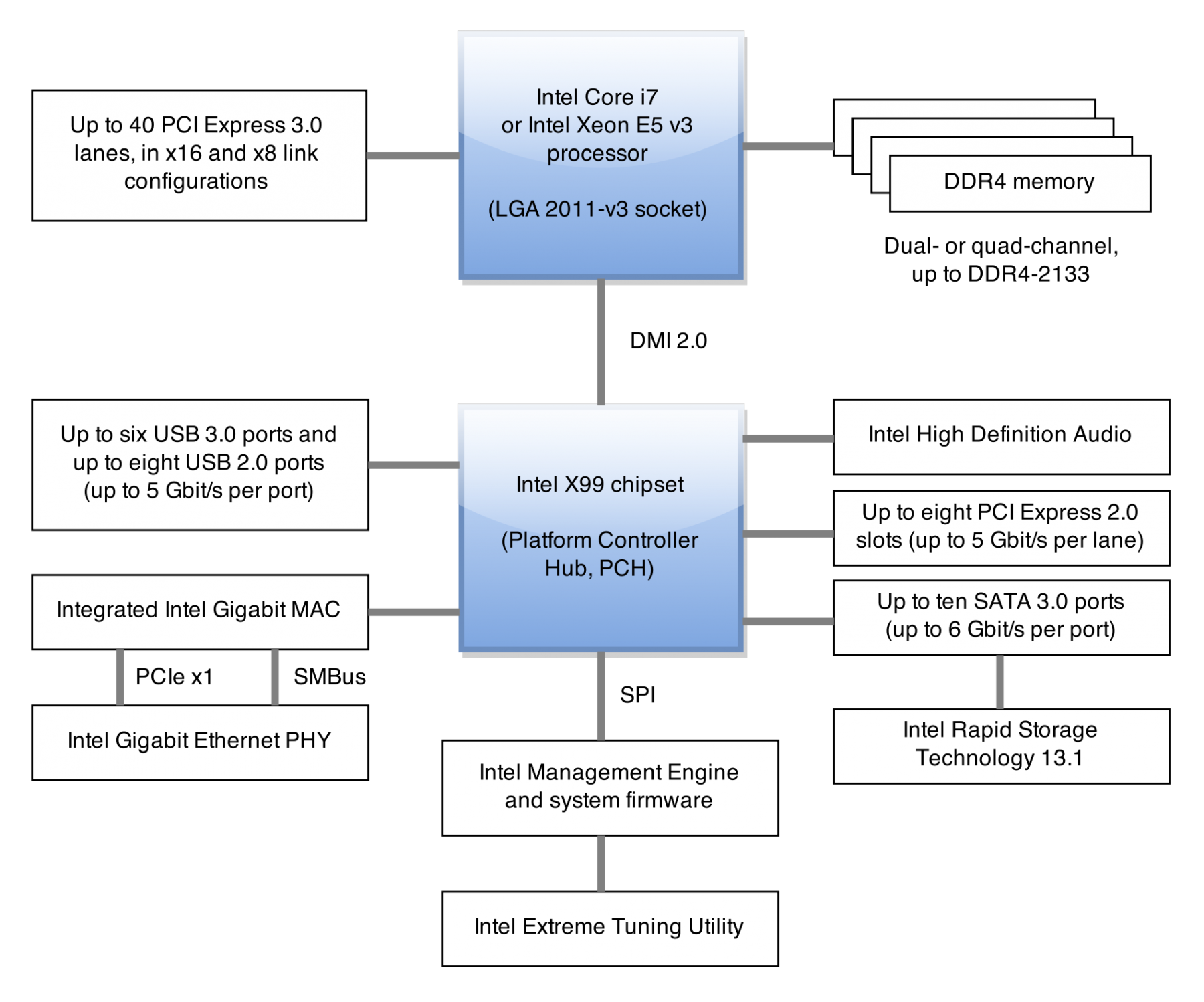
It’s not so important to know the components of the chipset. However, you need to understand that the motherboard needs to fit with the chipset and socket in order to function. Different chipsets provide support to different combinations of components, like RAM, GPUs and others. While comparing motherboards you need to make sure that everything you want to accomplish is supported. You can also use online comparison tools or ask for recommendations on forums which will help you out in your search.
Form
Motherboards can come in different sizes so while you have some flexibility in building your PC to fit into your environment, you also need to be careful if you are buying a motherboard for an already set up computer. Make sure your motherboard and case match up.